Login/Sign Up Sign Out
{{ messageCategory.totalUnreadNum }}
APSGO LOGO
{{ item.sku_info.spec_desc }}
{{ item.count }}x
Combination {{ combo.product.name }}
{{ combo.sku_info.spec_desc }}
x1
Total Price:
View Cart
No APPS available
{{ carts.count }}件
Cart
Home Overview FontCreator 16 - Versatile Font Design, Creation, and Editing Software
FontCreator 16 - Versatile Font Design, Creation, and Editing Software
-34% OFF!
FontCreator 16 - Versatile Font Design, Creation, and Editing Software截图 FontCreator 16 - Versatile Font Design, Creation, and Editing Software截图 FontCreator 16 - Versatile Font Design, Creation, and Editing Software截图 FontCreator 16 - Versatile Font Design, Creation, and Editing Software截图 FontCreator 16 - Versatile Font Design, Creation, and Editing Software截图 FontCreator 16 - Versatile Font Design, Creation, and Editing Software截图 FontCreator 16 - Versatile Font Design, Creation, and Editing Software截图 FontCreator 16 - Versatile Font Design, Creation, and Editing Software截图 FontCreator 16 - Versatile Font Design, Creation, and Editing Software截图 FontCreator 16 - Versatile Font Design, Creation, and Editing Software截图 FontCreator 16 - Versatile Font Design, Creation, and Editing Software截图 FontCreator 16 - Versatile Font Design, Creation, and Editing Software截图
Download
FontCreator 16 - Versatile Font Design, Creation, and Editing Software Netherlands
FontCreator has been downloaded over 5 million times and is considered a popular font editor in the global village. Create and edit open types and web fonts. The advanced feature set makes it the preferred tool for professionals, and its intuitive interface is simple enough for users at any professional level.
Edition:
Lifetime 1 Year Version upgrade
* Purchase this specification to receive the following gifts : ( Buy 1 or more items and the offer is valid until stock lasts )
x {{ item.count }}
{{ info.promotion.title }}
Note: In seckill, once sold out, the original price will be restored!
Hurry! Limited-time offer ends soon!
Currently available last {{ sku.promotion_count }} items
{{ info.advancePromotion.title }}
Preview of seckill, event price: {{ info.advancePromotion.skus_infos[sku.sku].promotion_price }} CNY
The inventory available for seckill is {{ info.advancePromotion.skus_infos[sku.sku].promotion_count }} items
Retail Price
Specifications
Not Selected
Group Buying
There is currently no Group Buying available, please open a group
{{ item.spec_desc }}
{{ item.user.nickname }} In {{ item.created_at }} Start Still need {{ item.left_count }}x Pending Group Buying, some users have not paid
Join

Activity Rules

1、Activity time:{{ info.groupon.start_at }} ~ {{ info.groupon.end_at }}。

1、Activity time:cease when sold out。

2、Validity period of the Group Buying:{{ info.groupon.expire_days * 24 }} hours。

3、Number of Group Buying:{{ info.groupon.need_count }}x。

Please Pay Attention

1、Teamwork process: Join/initiate a Group Buying and make a successful payment - Within the validity period, the number of team members meets the activity requirements - Group Buying succeeded!

2、If the number of participants cannot be met within the valid period, the group will fail, and the paid amount will be refunded in the original way.

3、The number of people required and the time of the event may vary among different products. Please pay attention to the rules of the event.

Package
FontCreator 16 - Versatile Font Design, Creation, and Editing Software

FontCreator 16 - Versatile Font Design, Creation, and Editing Software

5
Lifetime
 $ 199.2 $199
1 Year
 $ 98.7 $99
Version upgrade
 $ 79.2 $79
{{ info.sku.spec_desc }}
Main
+
{{ selectedCombos.count }} items
-
Save
=
Total
Selected  {{ selectedCombos.count }}  items,Add to cart
{{ item }} ({{ app.qa.questionsData.total }})

Popular font editor for the global village


FontCreator has been downloaded over 5 million times so far and is considered a popular font editor in the global community. Create and edit open types and web fonts. The advanced feature set makes it the preferred tool for professionals, and its intuitive interface is simple enough for any professional level user.


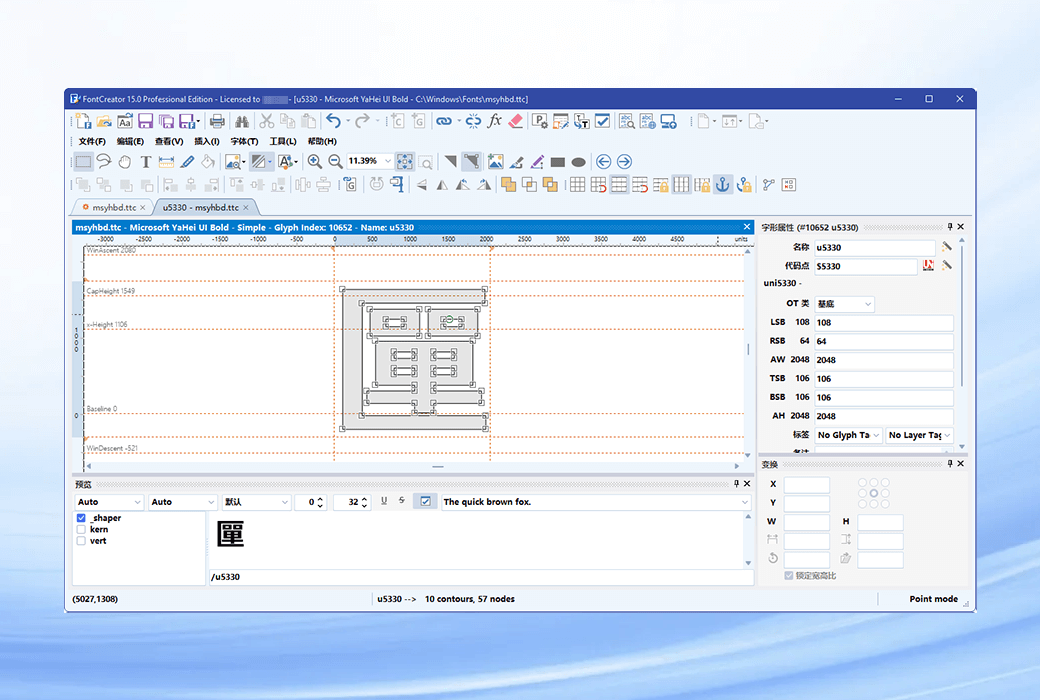
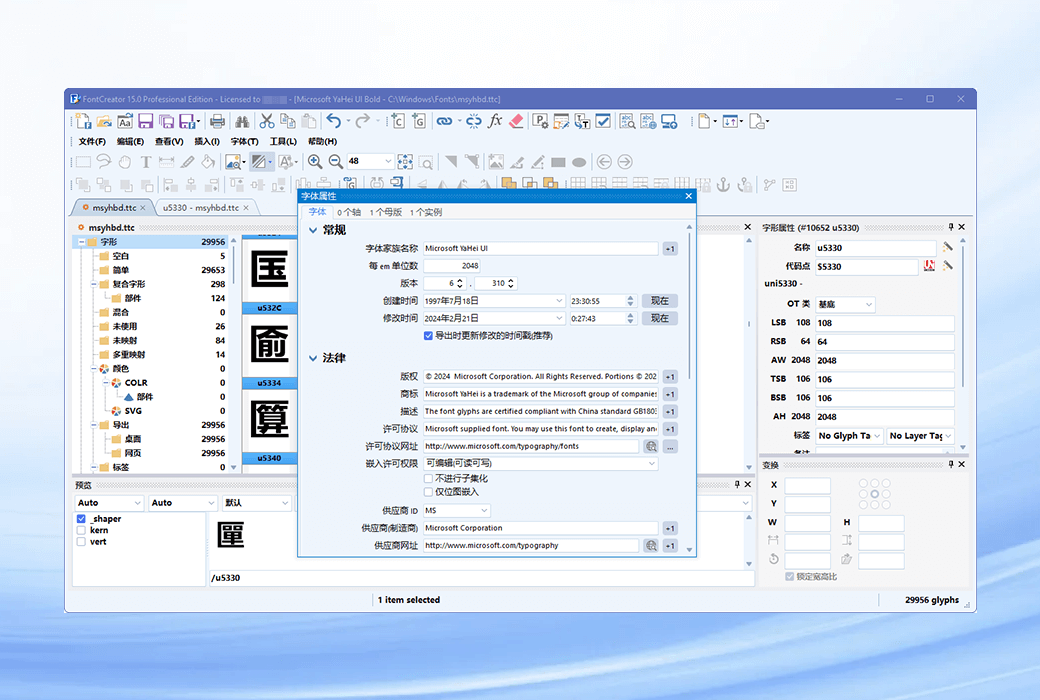
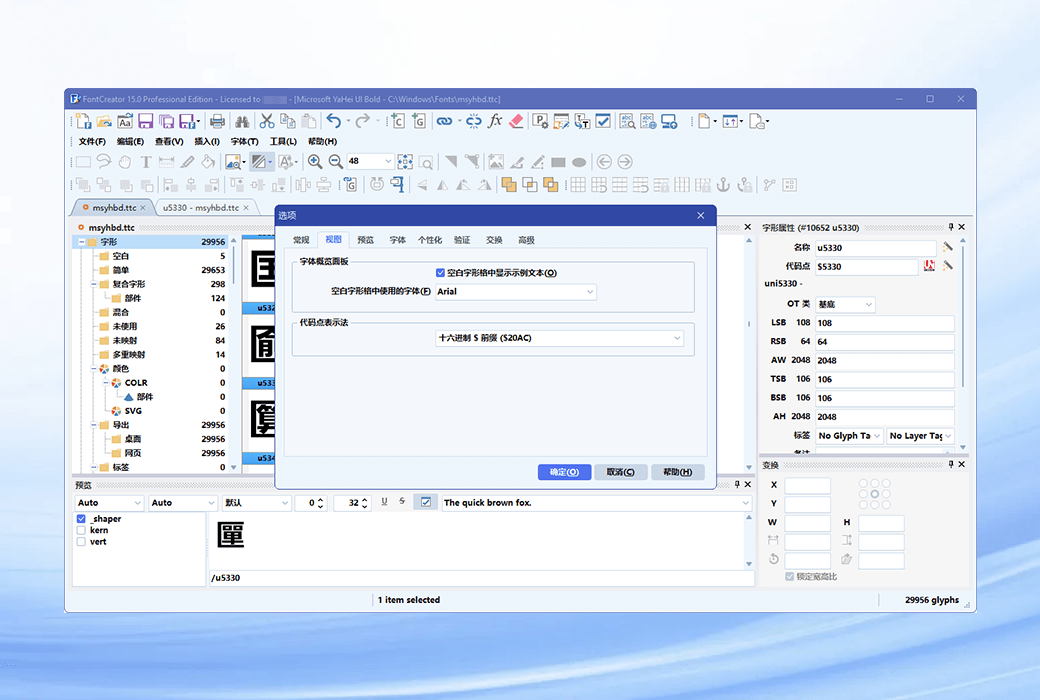
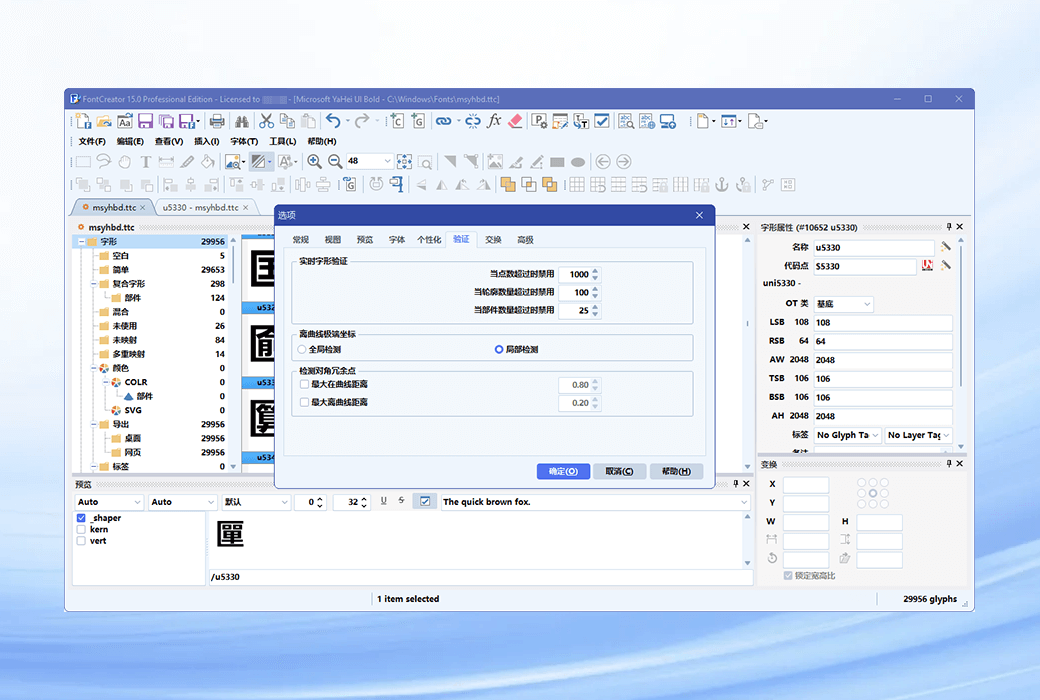
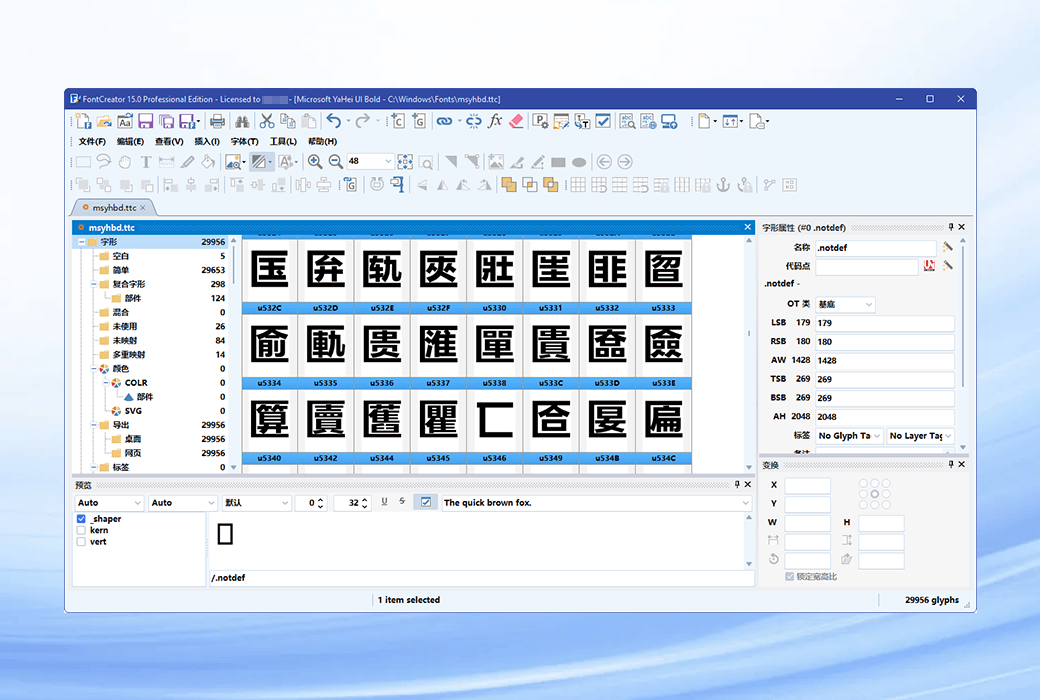
When you create or open a font, the font creator displays an overview of all available characters.


You can simply add missing characters or select existing characters and modify their appearance. You can import (scan) images of signatures or company logos, or create fonts with your own handwriting. Through FontCreator, you can also fix character code points, font names, glyph names, and corner line pairs.


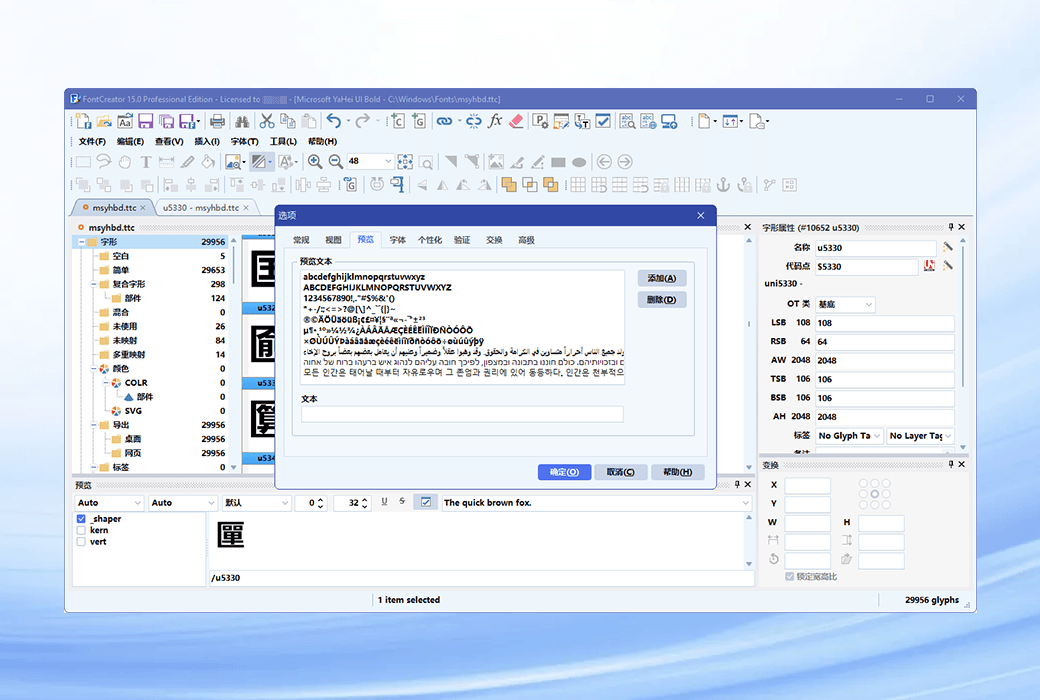
At any time, you can preview your font before installation. Keep the open type function when opening fonts, and you can use the open type designer for visual editing and searching.


The OpenType proofreading tool allows you to quickly track and correct text layout issues. This professional font editor supports quadratic and cubic outlines and has multiple intelligent features to ensure smooth connections when needed. The verification function helps you find and fix possible outline issues.


FontCreator is a true native font editor, so there is no need to purchase or install third-party tools or extensions.


  1. Font Overview and Categories

The glyph and character category panel allows you to quickly and easily access glyph, character subsets, and Unicode ranges.


  1. Open type, real type, and web font

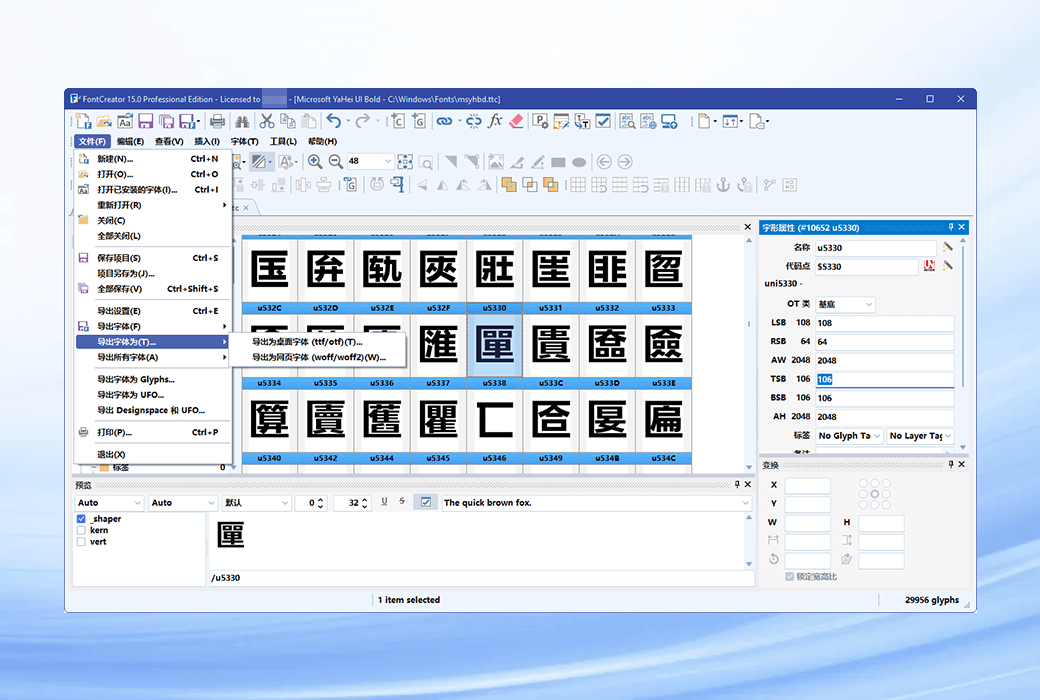
The font creator supports open type, real type, and web open font formats (WOFF and WOFF2) fonts, and can be used for Windows, Mac OS X, Linux, and all modern web browsers.


  1. Design high-quality fonts

The standard and professional versions include font validation functionality, allowing you to improve font quality by locating and resolving common glyph issues.


  1. Optimize the contour

Optimizing the outline of the character shape will reduce the number of points that make up the outline.


  1. Import vector image

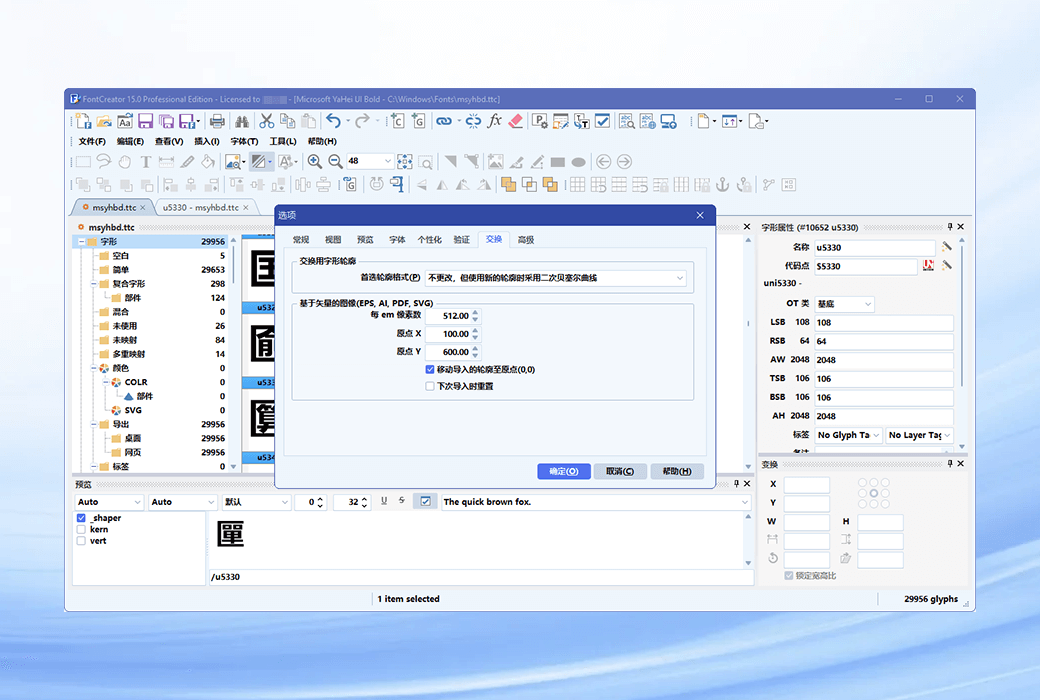
High quality vector graphics can be easily imported. You can even copy and paste between font creators and your favorite vector editing software.


  1. Import raster (bitmap) images

Import (scan) images and convert them into glyph shapes. Create your own handwriting font by scanning handwriting and importing fonts.


  1. Scalable color fonts

Font Creator is a multifunctional font editor that allows you to create expandable color fonts, supporting COLR and SVG color extensions. This allows you to create multi-color fonts for systems that support it, while maintaining backward compatibility for systems that do not support it.


Learn how to create color fonts and font creation, read our online tutorial about making open type color fonts, and take a look at this color font demo page.


  1. Visual Open Designer

The intuitive OpenType designer allows you to easily generate and modify OpenType layout features for glyph replacement and glyph positioning. The built-in anchor manager makes it easy to add and edit tags to the base and tags, making tag positioning effortless!


  1. Font spacing adjustment

Manually add corner pairs to fonts that support single glyph and glyph classes. Or let the automatic car take care of you in the standard and professional versions.


  1. Powerful Conversion Wizard

The standard and professional versions come with a powerful conversion wizard that allows you to easily convert glyph shapes with just a few clicks. Automatically convert the font to Italic or 'bold'. Add characters for other languages, small capitals, etc.


  1. Open type function proofreading

Test the open layout function using a font creator and interactive proofreading tool. It uses advanced molding engines that allow you to view, create, edit, and test even the most complex fonts.


  1. Optical indicators

The optical index function in the professional version simplifies one of the most complex and time-consuming tasks in font design. It analyzes a set of the most common characters and finds the best left and right side bearings for each glyph.


  1. Complete composite materials

The standard and professional versions allow for intelligent generation of contours for over 3000 (mostly accented) composite characters. It supports composite data definition and anchoring positioning.

FontCreator 16 - Versatile Font Design, Creation, and Editing Software LOGO

Official Website: https://www.high-logic.com/font-editor/fontcreator

Download Center: https://fontcreator.apsgo.cn

Alternate Download: N/A

Shipping Time: Orders are processed manually

Operating Platform: Windows, macOS

Interface Language: Supports English interface display.

Update Instructions: This product includes an official 6-month upgrade protection policy. All updates within 6 months of purchase are free of charge. It also supports subsequent minor version upgrades, such as v16.x.

Trial Before Purchase: 30-day free trial.

How to Receive the Product: After purchase, activation information will be sent to the email address used for the order. You can also view the corresponding product activation code in your personal center, under "My Orders".

Number of Devices: Can be installed and used on your own computer.

Changing Computers: Uninstall on the original computer and activate on the new one.

Activation Guide: To be added.

Special Instructions: 12 months of official email technical support.

References: https://www.high-logic.com/font-editor/fontcreator

Any question

Submit
Ask a question
All Default Newest